Imagine walking into your home and having it respond to your every whim. Lights dimmed? Check. Temperature just right? You bet. Smart home devices aren’t just a luxury; they’re the future of convenience, and installing them can transform any space into a high-tech haven. But let’s be real—setting up these gadgets can feel like trying to assemble IKEA furniture without the instructions.
Understanding Smart Home Devices
Smart home devices enhance convenience and transform living spaces through automation and customization. They adapt to personal preferences, making daily tasks easier and more efficient.
Types of Smart Home Devices
Smart home devices include various categories. Smart speakers provide voice command functionality for music and home control. Security cameras allow users to monitor their properties in real time. Smart thermostats adjust heating and cooling based on user habits. Lighting systems offer remote control to customize ambiance. Additionally, smart locks enhance security by providing keyless entry. These categories showcase the diverse applications of smart technology.
Benefits of Smart Home Devices
Smart home devices deliver numerous advantages. They improve energy efficiency, reducing utility costs. Enhanced security features offer peace of mind for homeowners. Convenience ranks high, simplifying tasks through automation. Furthermore, remote accessibility allows users to monitor and control devices from anywhere. Increased comfort is another benefit, with personalized settings for heating and lighting. Efficiency and safety merge in these innovative solutions, profoundly impacting everyday living.
Preparing for Installation
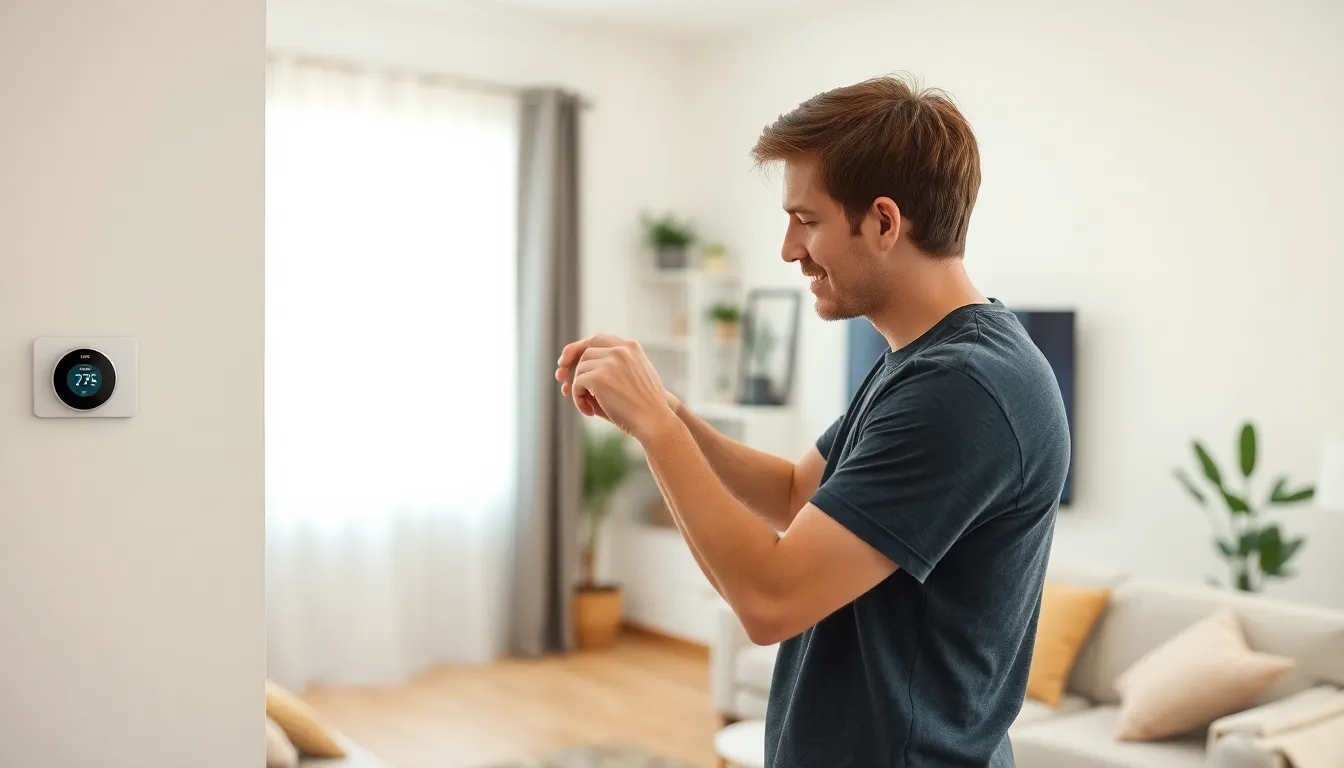
Preparing for the installation of smart home devices requires careful consideration of your home environment and device selection.
Assessing Your Home’s Infrastructure
Assessing the home’s infrastructure ensures compatibility with smart devices. Inspect the Wi-Fi network, ensuring it covers all intended installation areas. Evaluate power sources to confirm adequate outlets are available. Examine existing systems like HVAC or security, which may integrate with new devices. Identify any potential obstacles, such as thick walls or electronic interference that could disrupt connectivity. Understanding these factors helps streamline the installation process and enhances device performance.
Choosing the Right Devices
Choosing the right devices revolves around specific needs and preferences. Consider factors such as compatibility with existing ecosystems like Amazon Alexa or Google Assistant. Evaluate device features, focusing on functionalities that enhance daily life, such as energy monitoring, remote access, or automated scheduling. Research various brands to compare performance, reliability, and customer reviews. Select devices that align with lifestyle choices, whether prioritizing security, convenience, or energy efficiency. This thoughtful selection ensures a cohesive and functional smart home system.
Installation Process
Installing smart home devices requires a clear strategy for success. Both DIY and professional options are available, allowing flexibility based on individual skills and preferences.
DIY Installation vs. Professional Installation
DIY installation offers cost savings and hands-on experience. Many users find satisfaction in setting up devices independently. Conversely, professional installation provides expertise and troubleshooting support. Complex devices may require professional assistance to ensure proper function and compatibility. Assessing personal comfort with technology is essential for determining the best approach.
Step-by-Step Installation Guide
Start with gathering all necessary tools and materials. Follow the manufacturer’s instructions carefully, as they vary between devices. Typically, connect the device to a Wi-Fi network first, ensuring a strong signal is available. Next, download the relevant app to begin configuration. Pair the device with other smart home systems for seamless integration. Regularly test functionalities throughout the installation process, confirming everything works as intended.
Post-Installation Tips
Post-installation ensures optimal performance of smart home devices. Users enhance their experience by focusing on connectivity and functionality.
Setting Up Device Connectivity
Establishing a reliable connection is crucial. Ensure devices connect to the home Wi-Fi network, verifying signal strength for uninterrupted operation. Assign unique names to devices, simplifying control and management through apps or voice commands. Users benefit from checking app compatibility with voice assistants, creating seamless integration for smart ecosystems. It’s important to utilize device firmware updates, improving security and expanding functionality. Troubleshooting becomes easier when connections reset by restarting routers or devices to resolve connectivity issues.
Optimizing Device Functionality
Maximizing device capabilities requires user customization. Set specific schedules for smart devices, aligning them with daily routines for comfort and efficiency. Adjust device settings to suit individual preferences, such as temperature ranges for smart thermostats or light brightness for smart bulbs. Users should explore automation features, enabling devices to interact based on triggers like motion detection or time of day. Regularly reviewing device performance helps identify areas for improvement, ensuring each device works at its best. Finally, sharing devices with trusted contacts can enhance overall household management, providing convenience and accessibility.
Common Issues and Troubleshooting
Smart home devices can experience issues during or after installation. Addressing these common problems is vital for a seamless experience.
Connectivity Problems
Connectivity problems often affect smart home devices. Wi-Fi interference can cause disruptions, leading to devices becoming unresponsive. Users should ensure their router is positioned correctly, away from obstructions. Restarting the router may resolve some issues. Additionally, checking for firmware updates on devices can help maintain connectivity. Users might consider using Wi-Fi extenders to boost signals in larger homes. Verifying password accuracy during setup also reduces connectivity frustrations.
Device Compatibility Issues
Device compatibility issues may arise when integrating new smart devices into an existing ecosystem. Users should confirm whether their devices are compatible with platforms like Google Home or Amazon Alexa. An inspection of software requirements helps prevent integration problems. Purchasing devices from the same brand can streamline the installation process and enhance compatibility. It’s essential to read product reviews and consult compatibility lists before making a purchase. If issues persist, reviewing manufacturer troubleshooting guides provides additional support.
Embracing smart home technology can significantly elevate daily living. By carefully selecting and installing devices that align with personal needs, homeowners can create a tailored environment that enhances comfort and efficiency.
Navigating the installation process may present challenges but with the right preparation and strategy, achieving a fully functional smart home is within reach. Regular maintenance and performance reviews ensure devices operate at their best, providing lasting benefits.
Ultimately, the journey into smart home automation not only simplifies tasks but also transforms how individuals interact with their living spaces, making every day more enjoyable and convenient.